
1. Getting Started
Disable Windows Defender
Why is this needed?
Why is this needed?
Antivirus often flags game cheats as suspicious because they inject code into
the game to enable features like aimbot or ESP. This is normal for all cheat
software — it is not a sign that Anchor Cheats is unsafe.
1
Turn off real-time protection first
Open Windows Security → Virus & threat protection → Manage settings and
turn off Real-time protection (and the other toggles). This lets you
download and run DControl without it being blocked or deleted.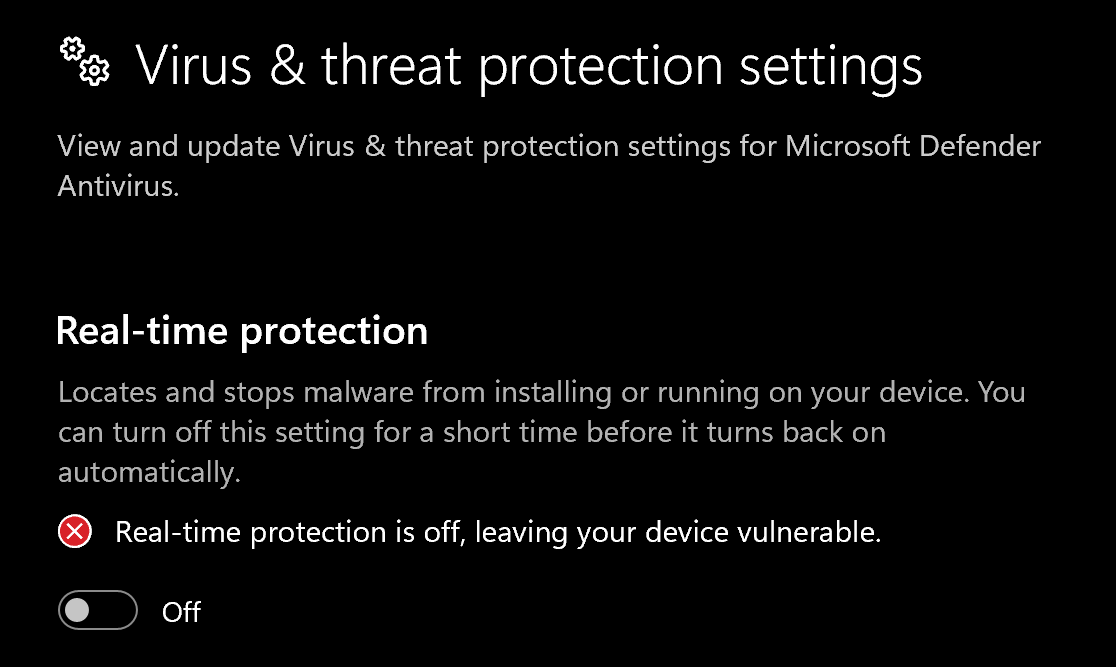
2
Install WinRAR
Download and install WinRAR.
You need it to extract the DControl archive.
3
Download DControl
Download DControl (Defender Control).
4
Extract the archive
Right-click the downloaded
.rar and extract it. When asked for a password,
enter sordum.5
Disable Windows Defender
Open dControl.exe and click Disable Windows Defender. The window turns
red when Defender is off.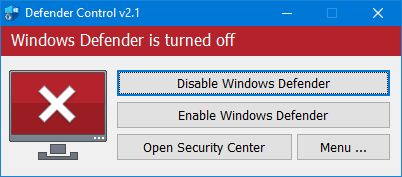
1
Turn off Exploit protection
Open Windows Security → App & browser control → Exploit protection settings
and set every option to Off by default.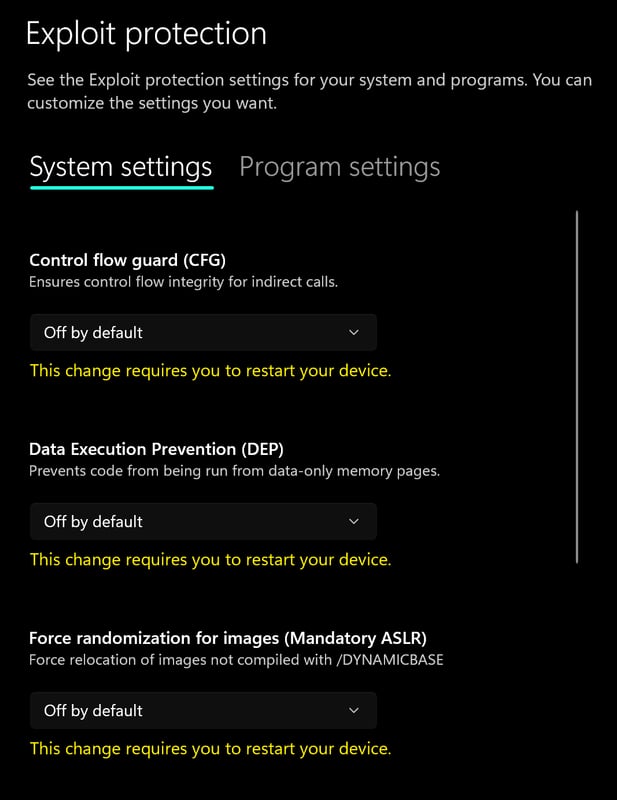
2
Turn off Reputation-based protection
Go to App & browser control → Reputation-based protection settings and
turn off all options.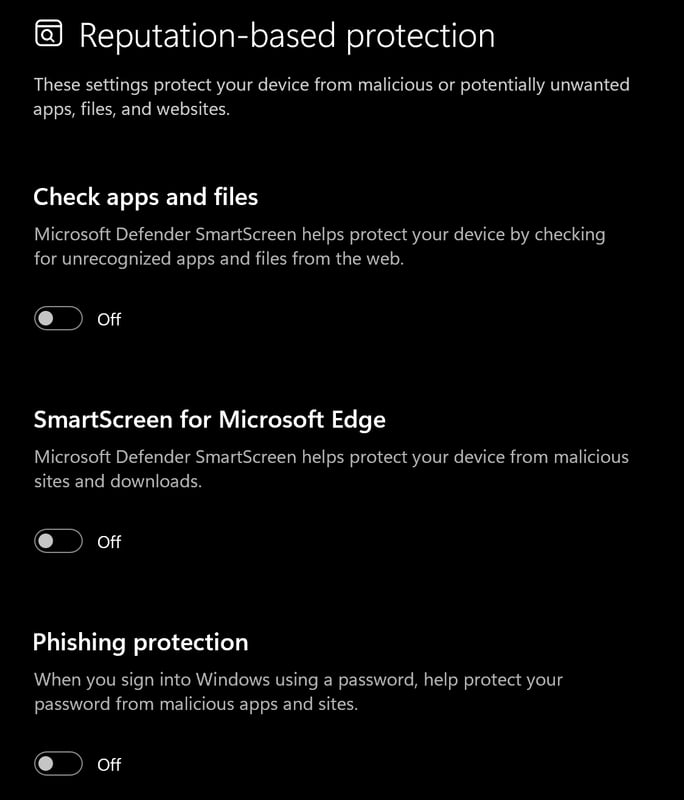
Required files
Install both of these before continuing — they are mandatory dependencies:2. Download the loader
Download the loader from the link below, then run it as administrator: https://cheezit.life/Your license key is in your client area or order email — enter it in the loader
on first launch.
3. Inject & launch
1
Run the loader
Run the loader as administrator, then log in or register with your license key.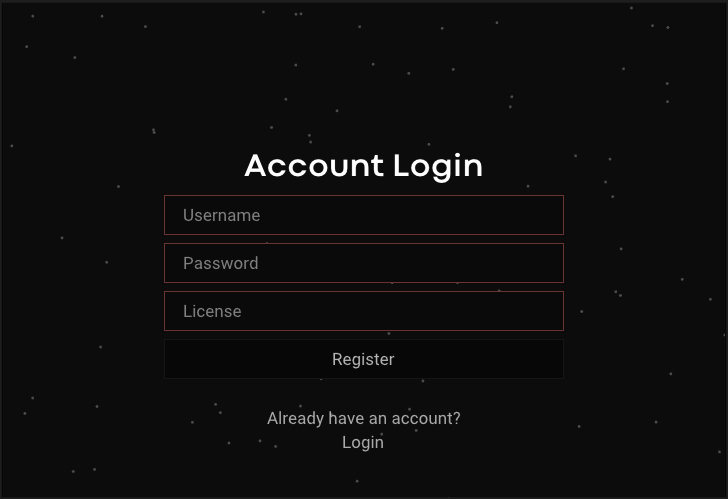
2
Inject
Select the cheat and press Inject. When prompted that Rust will open,
allow it. If you use an HWID spoofer, load it now, then press OK.
3
You're in
The menu opens once injection completes. Enjoy dominating with Disconnect
Rust Internal.
Default menu keybind:
Insert / INSCommon errors
Most issues are fixed with basic troubleshooting: restart your PC, re-download the loader, and inject again. Try these before contacting support.Loader won't connect
Loader won't connect
Disable any VPN/proxy during launch, allow the loader through your firewall,
and run it as administrator. Re-download the loader if it persists.
Injection fails (simple fix for most issues)
Injection fails (simple fix for most issues)
Fully disable Defender (use DControl), close any antivirus, restart your PC,
then run the loader as administrator.
EAC: banned tool detected
EAC: banned tool detected
An anti-cheat or antivirus is still active. Re-check every step in Disable
Windows Defender, uninstall third-party AV, restart, and try again.
Error 0x13 / other 0x codes
Error 0x13 / other 0x codes
Make sure DirectX and the Visual C++ redistributable are installed, run the
loader as administrator, and re-download it if the code persists.